Spectrum Preparation
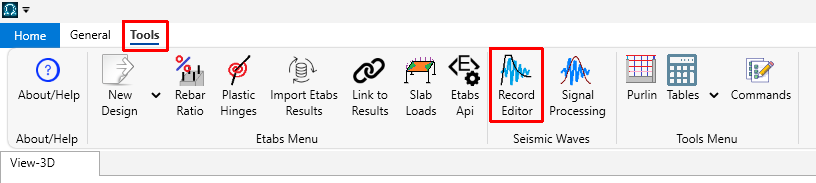
With StructPlus software, you can generate response spectra, save your prepared spectra, create export files for SAP2000/ETABS, or perform scaling. To prepare a spectrum, launch the "Record Editing" tool from the "Tools" menu:
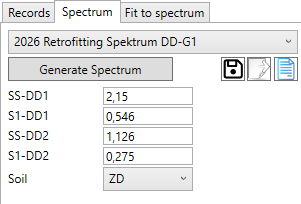
From this window, you can read ground motions, generate spectra, and perform scaling. Use the following form to create a spectrum:
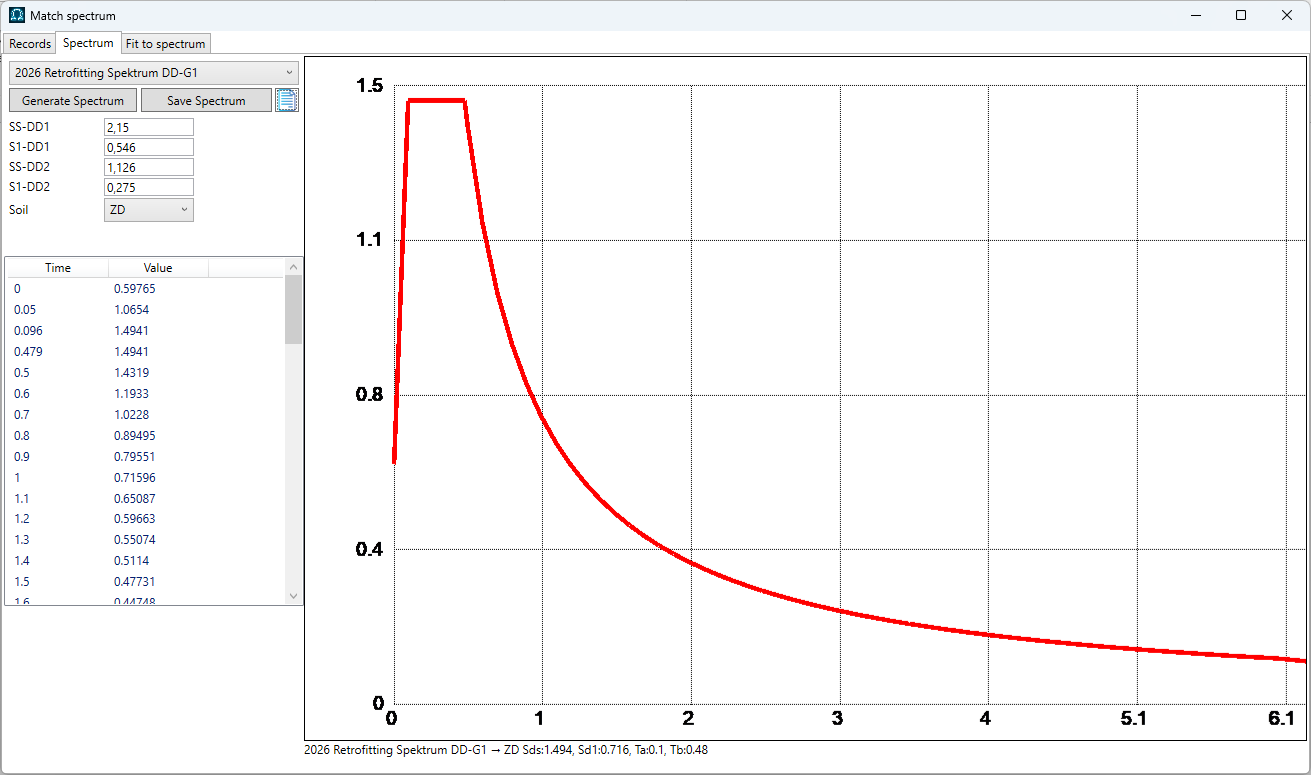
The program will plot the generated spectrum.
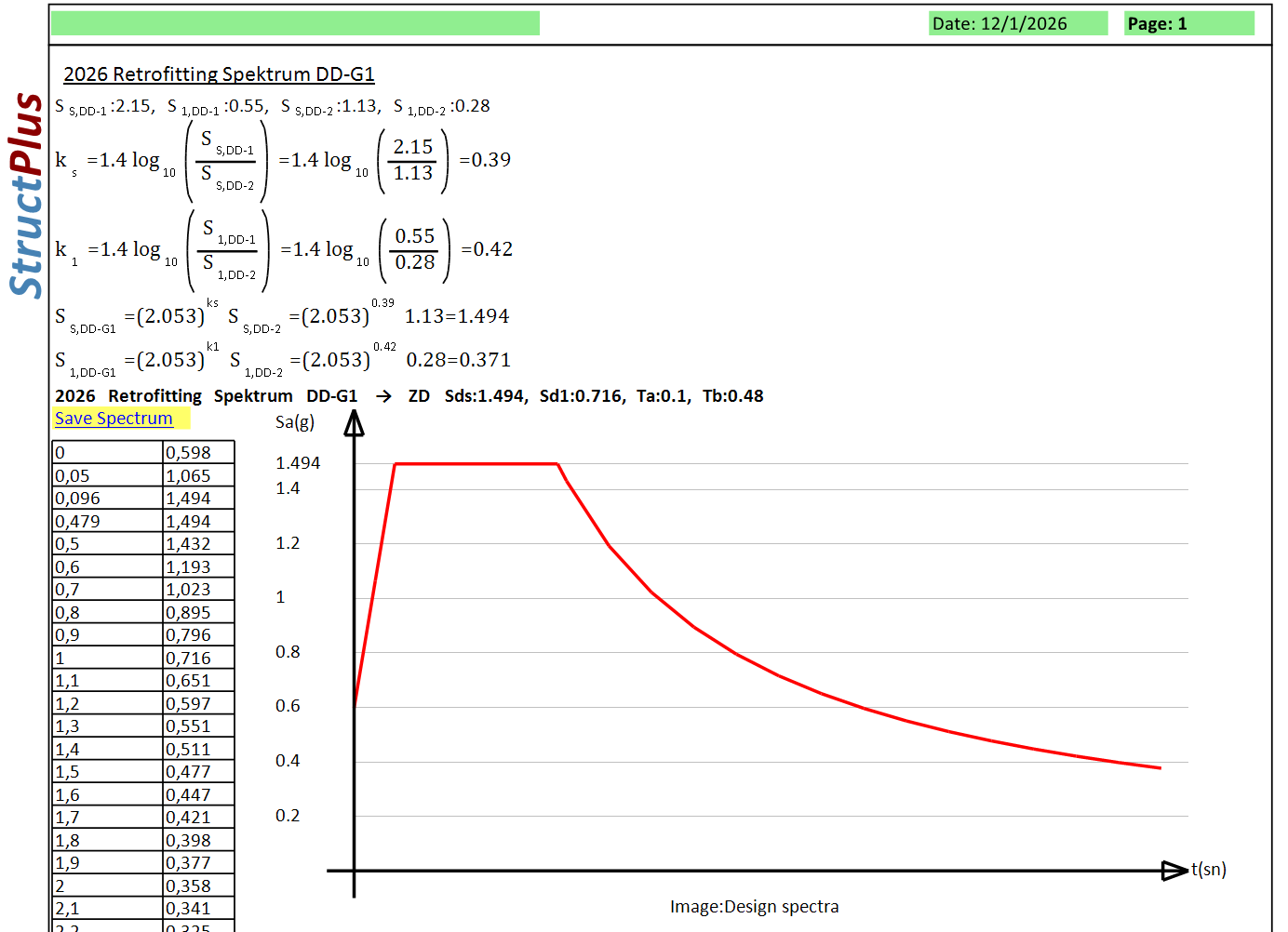
Additionally, the software will provide detailed information regarding the preparation of the spectrum.